
.svg)





%201.avif)
Understanding checkout liquid Shopify remains essential knowledge for any eCommerce store owner or developer working with Shopify Plus, even as the platform evolves towards newer customisation methods. While Shopify has introduced alternative approaches to checkout customisation, the fundamentals of how checkout liquid Shopify operates continue to inform best practices for conversion optimisation and brand consistency throughout the purchasing journey. Whether you're maintaining a legacy store or planning a modern implementation, knowing how checkout.liquid works helps you make informed decisions about your store's checkout experience.
What Is Checkout Liquid Shopify
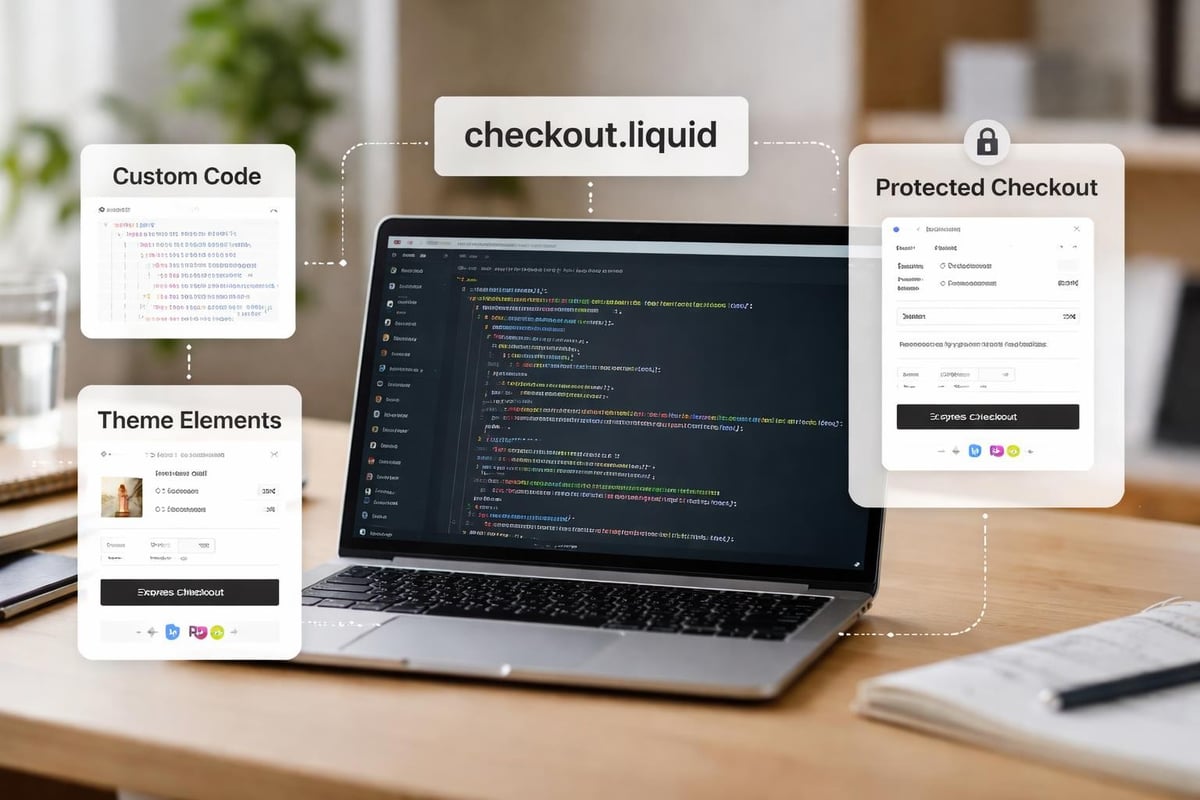
Checkout liquid Shopify refers to the checkout.liquid layout file that Shopify Plus merchants can use to customise their checkout pages. This file provides access to the checkout experience through Liquid templating language, allowing you to modify layout, add custom elements, inject scripts, and style the checkout to match your brand identity.
The checkout.liquid file sits within your theme's layout directory, functioning as a template specifically for the checkout process. Unlike standard theme files that control product pages or collections, this layout governs the appearance and functionality of one of your store's most critical conversion points.
Key capabilities of checkout liquid Shopify include:
- Adding custom CSS to style checkout pages
- Injecting JavaScript for analytics, tracking, or enhanced functionality
- Inserting trust badges, security seals, or promotional messaging
- Customising headers and footers to maintain brand consistency
- Implementing custom form fields for specific business requirements
Understanding the structure of checkout.liquid helps you identify which elements you can modify and which remain protected by Shopify's core checkout framework.
Accessing Checkout Liquid Files
Only Shopify Plus merchants have access to checkout liquid Shopify files. Standard Shopify plans cannot edit checkout.liquid directly, as this feature remains exclusive to the Plus tier. This restriction exists because checkout customisation requires careful implementation to maintain PCI compliance and security standards.
To access your checkout.liquid file, navigate to your Shopify admin panel, select "Online Store," then "Themes." Click the three-dot menu on your live theme and choose "Edit code." Within the code editor, expand the "Layout" folder where you'll find checkout.liquid alongside other layout files.
Common Customisations Using Checkout Liquid Shopify
Merchants implement checkout liquid Shopify modifications for various business objectives, from enhancing trust signals to capturing additional customer data. The most effective customisations balance aesthetic improvements with functional enhancements that support conversion without adding unnecessary friction.
Trust Elements and Social Proof
Adding trust badges, security seals, and payment icons through checkout liquid Shopify can significantly impact conversion rates. These elements reassure customers during the final purchase stage, particularly for first-time buyers or higher-value transactions.
You can insert these elements by adding HTML and CSS directly to checkout.liquid, positioning them strategically near payment information or at the top of the checkout page. Many UK brands place free delivery thresholds, returns policies, or customer service contact information within the checkout to address last-minute objections.
Custom Styling with CSS
The checkout CSS implementation allows you to maintain brand consistency throughout the entire customer journey. Rather than presenting a generic checkout that disconnects from your main store design, custom CSS ensures fonts, colours, button styles, and spacing match your brand guidelines.
ElementCommon CustomisationsImpactTypographyFont families, sizes, weightsBrand consistencyColoursPrimary buttons, links, backgroundsVisual continuitySpacingPadding, margins, form fieldsImproved readabilityButtonsShapes, hover states, sizesClear call-to-action
When adding custom CSS, wrap your styles in <style> tags within the checkout.liquid file. Best practices recommend keeping CSS concise and testing thoroughly across devices, as checkout pages must perform flawlessly on mobile where most purchasing decisions occur.
JavaScript and Analytics Integration
Checkout liquid Shopify enables advanced tracking and functionality through JavaScript insertion. Marketing teams often require specific event tracking for Facebook Pixel, Google Analytics, or other attribution tools that need checkout-stage data.
You might implement:
- Enhanced eCommerce tracking for granular purchase funnel analysis
- Dynamic content based on cart contents or customer segments
- A/B testing scripts to optimise checkout elements
- Chat widgets or support tools for assisted purchasing
- Custom validation for specific form requirements
When working with Shopify development, developers typically implement JavaScript carefully, ensuring scripts don't interfere with checkout functionality or page load times. Any delay or error at checkout directly impacts revenue, making quality assurance essential.

Best Practices for Checkout Liquid Shopify Implementation
Implementing checkout liquid Shopify modifications requires a methodical approach that prioritises store performance and customer experience. Even beneficial customisations can harm conversions if executed poorly or tested inadequately.
Minimising DOM Dependencies
Shopify's official checkout customisation guidelines emphasise the importance of avoiding excessive DOM manipulation. The checkout page structure may change during Shopify updates, potentially breaking customisations that rely on specific element selectors or page structures.
Instead of targeting precise DOM elements with JavaScript, use more resilient approaches. Leverage Liquid objects and data attributes that Shopify maintains consistently across updates. When you must interact with specific elements, implement error handling that gracefully manages scenarios where elements don't exist or have moved.
Implementing Killswitches
Every checkout liquid Shopify customisation should include a killswitch mechanism that allows you to disable modifications quickly if issues arise. During peak trading periods or when problems occur, you need the ability to revert to default checkout without lengthy troubleshooting.
A simple killswitch approach involves wrapping customisations in conditional Liquid logic that checks for a specific metafield or setting. By toggling this value, you can instantly enable or disable modifications without editing code during critical moments.
Testing Across Scenarios
Comprehensive testing distinguishes successful checkout liquid Shopify implementations from problematic ones. Your checkout must function perfectly across:
- Multiple device types and screen sizes
- Different browsers and versions
- Various cart configurations (single item, multiple items, subscription products)
- Guest checkout and logged-in customer scenarios
- Different payment methods and gateways
- Express checkout options like Shop Pay or Apple Pay
Create a testing checklist that covers these scenarios before deploying any checkout modifications to your live store. Consider using a development store or staging environment for initial testing, then conduct final validation on your live theme in preview mode.
The Deprecation of Checkout Liquid Shopify
Shopify announced plans to phase out checkout liquid Shopify in favour of Checkout Extensibility, a modern framework that provides safer, more maintainable customisation options. This transition from checkout.liquid represents a significant shift in how Plus merchants approach checkout customisation.
The deprecation timeline means existing checkout.liquid implementations will continue functioning, but Shopify encourages migration to Checkout Extensibility for future-proofing and accessing new features. Understanding both systems helps you plan the appropriate strategy for your business.
Why Shopify Is Moving Away from Checkout Liquid
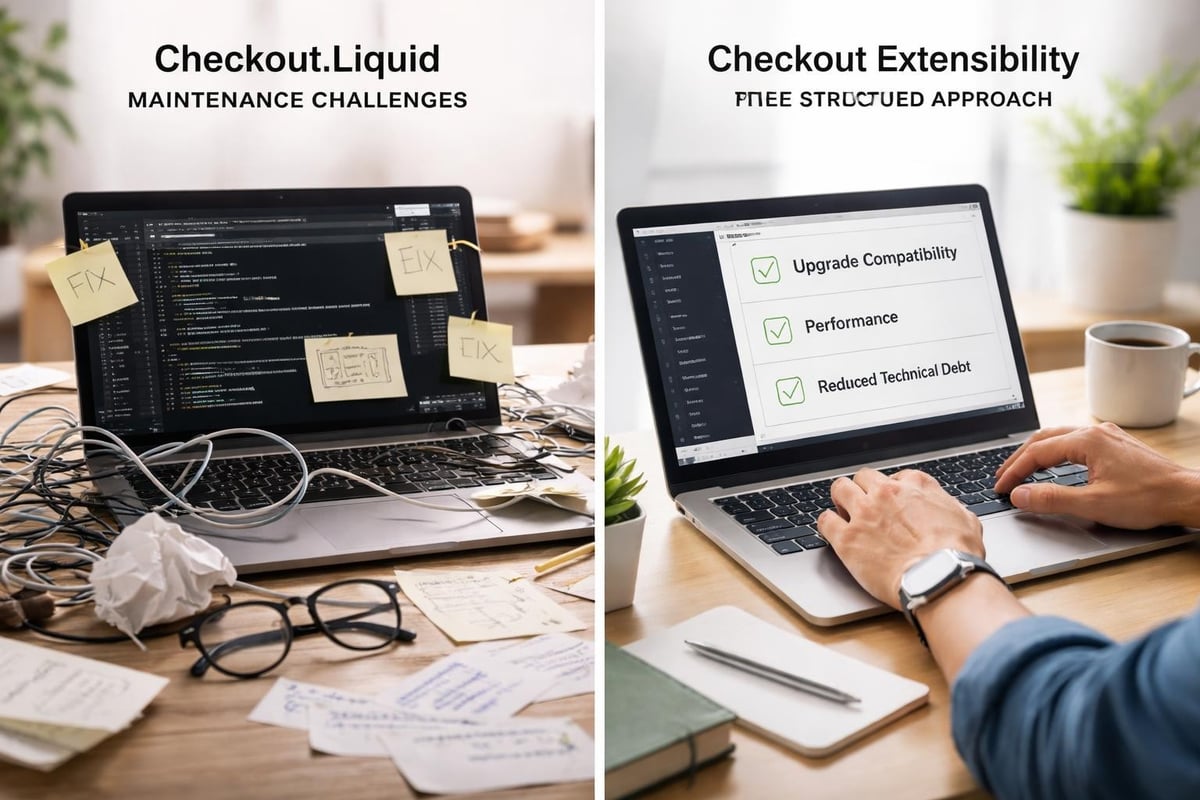
Shopify's decision stems from several technical and strategic considerations. Checkout.liquid provided powerful customisation capabilities but created maintenance challenges as Shopify evolved its platform. Customisations could break during updates, required significant testing, and sometimes introduced security or performance issues.
Checkout Extensibility offers a more structured approach where customisations happen through defined extension points and APIs. This architecture allows Shopify to improve checkout features without breaking merchant customisations, while providing better performance and security guarantees.
Benefits of Checkout Extensibility over checkout liquid Shopify:
- Upgrade-safe customisations that survive platform updates
- Better performance through optimised rendering
- Enhanced security with controlled extension points
- Easier maintenance and version control
- Access to modern checkout features as they release
Migration Planning and Timeline
Migrating from checkout liquid Shopify to Checkout Extensibility requires careful planning, particularly for stores with extensive customisations. The migration process involves auditing current modifications, identifying equivalent functionality in the new framework, and thorough testing before switching over.
Begin by documenting all current checkout.liquid customisations and their business purposes. Some modifications translate directly to Checkout Extensibility, whilst others require alternative approaches or may no longer be necessary given improved native features.
Migration PhaseActions RequiredTypical DurationAuditDocument customisations, identify critical features1-2 weeksPlanningMap features to Checkout Extensibility, prioritise1 weekDevelopmentBuild extensions, test functionality2-4 weeksTestingQA across scenarios, fix issues1-2 weeksDeploymentSwitch to new checkout, monitor metrics1 week
For many UK brands, customising Shopify checkout pages has become more streamlined with Checkout Extensibility, despite the initial migration effort. The long-term benefits typically outweigh the transition investment.
Checkout Extensibility as the Modern Alternative
Checkout Extensibility represents Shopify's evolution beyond checkout liquid Shopify, providing a robust framework for customising checkout experiences through apps and extensions. This approach fundamentally changes how developers and merchants think about checkout modifications.
How Checkout Extensibility Works
Rather than editing a single template file, Checkout Extensibility uses modular extensions that hook into specific checkout points. You can add custom fields, modify layouts, insert content, or enhance functionality through these extension points without touching core checkout code.
Extensions are built as Shopify apps, which can be private (for your store only) or public (available in the Shopify App Store). The implementation of checkout extensions follows Shopify's app development framework, using React components and Shopify's UI extension APIs.
This approach offers several advantages. Your customisations become portable between stores, version-controlled through app deployment, and isolated from theme updates. When Shopify releases checkout improvements, your extensions automatically benefit without requiring code changes.
Available Customisation Options
Checkout Extensibility supports most common use cases that previously required checkout liquid Shopify modifications:
- Custom fields for delivery instructions, gift messages, or business-specific requirements
- Content blocks for trust badges, promotional messaging, or upsells
- Validation logic to enforce business rules or data requirements
- Discounts and promotions that integrate with checkout calculations
- Payment customisation to show or hide payment methods based on conditions
The framework continues expanding as Shopify adds new extension points and capabilities. While some advanced customisations from checkout.liquid don't yet have direct equivalents, the roadmap suggests increasing parity over time.
Implementation Considerations
Transitioning to Checkout Extensibility requires different skills than working with checkout liquid Shopify. Developers need familiarity with:
- React for building UI components
- Shopify's Admin API for app configuration
- Extension APIs and available UI components
- App deployment and version management
- Shopify's development tools and testing environments
For merchants without in-house development teams, partnering with experienced Shopify agencies becomes particularly valuable. The initial setup requires more technical expertise than simple checkout.liquid edits, though ongoing maintenance typically proves easier.
When Checkout Liquid Shopify Still Makes Sense
Despite the shift towards Checkout Extensibility, certain scenarios still justify using checkout liquid Shopify in 2026. Understanding when to maintain legacy implementations versus migrating helps you allocate resources effectively.
Legacy Store Considerations
Established stores with stable, functioning checkout.liquid customisations may choose to delay migration until business needs demand it. If your current checkout performs well, converts effectively, and requires minimal maintenance, the urgency to migrate decreases.
However, consider these factors:
- Platform updates: Shopify may eventually require migration, making proactive planning advantageous
- New features: Some checkout innovations only work with Checkout Extensibility
- Technical debt: Older implementations may become harder to maintain as developers increasingly focus on modern frameworks
- Risk management: Legacy code carries higher breakage risk during Shopify updates
For stores planning significant changes like Shopify migrations from other platforms or major redesigns, migrating to Checkout Extensibility as part of the broader project often makes strategic sense.
Simple Customisation Needs
Stores requiring only basic styling or minimal content additions might find checkout liquid Shopify simpler than building full checkout extensions. Adding a single trust badge or adjusting colours represents less development effort through direct CSS than creating an entire app infrastructure.
That said, the Shopify App Store increasingly offers ready-made solutions for common checkout customisations. Before defaulting to checkout.liquid for simple needs, explore whether existing apps provide the functionality you need without custom development.
Technical Implementation Examples
Understanding practical implementation helps translate checkout liquid Shopify concepts into working code. These examples demonstrate common customisation patterns whilst following best practices.
Adding Custom CSS
Styling your checkout begins with adding CSS within <style> tags in checkout.liquid. This example adjusts button colours and typography:
<style>
  .step__footer__continue-btn {
    background-color: #2C5F2D;
    font-weight: 600;
    border-radius: 4px;
  }

  .step__footer__continue-btn:hover {
    background-color: #1F4620;
  }

  body {
    font-family: 'Inter', -apple-system, BlinkMacSystemFont, sans-serif;
  }
</style>
Test styling changes across different checkout steps (information, shipping, payment) as some elements appear only in specific contexts. Mobile responsiveness requires particular attention since checkout conversion rates on mobile often determine overall store performance.
Inserting Trust Elements
Adding trust badges through checkout liquid Shopify involves inserting HTML at strategic locations. This example places security badges above the payment section:
{% if checkout.order_id == blank %}
  <div class="trust-badges" style="text-align: center; padding: 20px 0; border-top: 1px solid #e1e1e1;">
    <img src="{{ 'trust-badge-secure.png' | asset_url }}" alt="Secure Checkout" style="height: 40px; margin: 0 10px;">
    <img src="{{ 'trust-badge-guarantee.png' | asset_url }}" alt="Money-back Guarantee" style="height: 40px; margin: 0 10px;">
  </div>
{% endif %}
The conditional {% if checkout.order_id == blank %} ensures badges display during checkout but not on the thank-you page, maintaining appropriate context throughout the customer journey.
Implementing Analytics Tracking
Tracking checkout events requires careful JavaScript implementation. This example adds Google Analytics enhanced eCommerce tracking:
<script>
  if (typeof Shopify !== 'undefined' && Shopify.Checkout) {
    gtag('event', 'begin_checkout', {
      currency: '{{ checkout.currency }}',
      value: {{ checkout.total_price | money_without_currency }},
      items: [
        {% for line_item in checkout.line_items %}
        {
          item_id: '{{ line_item.product_id }}',
          item_name: '{{ line_item.title }}',
          price: {{ line_item.price | money_without_currency }},
          quantity: {{ line_item.quantity }}
        }{% unless forloop.last %},{% endunless %}
        {% endfor %}
      ]
    });
  }
</script>
Always wrap analytics code in conditional checks to handle scenarios where expected objects might not exist, preventing JavaScript errors that could break checkout functionality.
Performance Optimisation for Checkout Liquid Shopify
Checkout performance directly impacts conversion rates, making optimisation essential for any checkout liquid Shopify implementation. Even minor delays can cause cart abandonment, particularly on mobile networks where customers may have limited patience.
Script Loading Strategies
JavaScript added through checkout.liquid should load asynchronously when possible, preventing blocking of critical checkout rendering. Use the async or defer attributes on script tags for non-critical functionality:
<script src="https://example.com/analytics.js" async></script>
For scripts that must execute before checkout renders, minimise their size and complexity. Consider whether functionality truly needs to run at checkout or could happen post-purchase when performance impacts diminish.
CSS Optimisation
Keep custom CSS concise and targeted. Avoid importing entire CSS frameworks when you need only specific components. Write efficient selectors that don't require complex DOM traversal, and remove unused styles before deployment.
Testing page speed with tools like Google PageSpeed Insights reveals performance bottlenecks. Aim for sub-three-second load times on mobile networks, as longer delays correlate with increased abandonment rates.
Image Asset Management
Trust badges, logos, or other images added through checkout liquid Shopify should be optimised aggressively. Use appropriate formats (WebP where supported, falling back to PNG or JPEG), compress images without visible quality loss, and size them correctly for display dimensions.
Host images through Shopify's CDN when possible, leveraging the platform's global distribution and automatic optimisation. Avoid external image hosts that introduce additional DNS lookups and potential points of failure.
Compliance and Security Considerations
Modifying checkout liquid Shopify requires awareness of legal and security implications. Checkout pages handle sensitive payment information and personal data, making compliance with regulations like GDPR essential for UK businesses.
PCI Compliance
Shopify maintains PCI DSS compliance for its checkout infrastructure, but custom modifications could introduce vulnerabilities if implemented incorrectly. Never capture, store, or transmit payment card data through custom code added to checkout.liquid.
Any custom fields you add should avoid collecting sensitive information directly. If your business requires additional payment-related data, use Shopify's approved methods and APIs rather than custom form fields that might compromise security.
Data Protection Requirements
UK GDPR requires transparent data collection practices and appropriate security measures. When adding custom fields through checkout liquid Shopify, ensure:
- Clear labelling of what data you're collecting and why
- Privacy policy links near custom data collection points
- Secure transmission and storage of any collected information
- Customer consent mechanisms where required
- Data minimisation principles (only collect necessary information)
Working with experienced developers who understand eCommerce compliance helps avoid legal issues whilst implementing the checkout customisations your business needs.
Troubleshooting Common Checkout Liquid Shopify Issues
Even carefully implemented checkout liquid Shopify modifications occasionally encounter problems. Understanding common issues and their solutions helps you maintain a reliable checkout experience.
Customisations Not Displaying
If your checkout.liquid modifications don't appear, verify you've saved changes and published them to your live theme. Changes in the code editor don't take effect until saved, and modifications to unpublished themes won't display to customers.
Clear your browser cache and test in incognito mode to rule out caching issues. Some customisations only appear at specific checkout stages, so progress through the entire checkout flow to confirm visibility.
JavaScript Errors Breaking Checkout
JavaScript errors in checkout.liquid can prevent customers from completing purchases. Always test thoroughly before deploying, and implement error handling that allows checkout to function even if custom scripts fail.
Use browser developer tools to identify specific errors. The console tab reveals JavaScript issues with line numbers and error messages that guide troubleshooting. Fix errors promptly, as even intermittent issues cost sales.
Mobile Display Problems
Responsive issues often arise from custom CSS that works well on desktop but breaks on mobile viewports. Test across actual devices, not just browser responsive modes, as real-world performance sometimes differs.
Use mobile-first CSS approaches that enhance progressively for larger screens rather than desktop-first approaches that must override styles for mobile. This methodology typically produces more reliable responsive implementations.
Future-Proofing Your Checkout Strategy
Planning your checkout approach in 2026 requires balancing current needs with future platform direction. Whether maintaining checkout liquid Shopify implementations or transitioning to Checkout Extensibility, strategic thinking ensures your checkout remains effective as technology evolves.
Monitoring Platform Announcements
Shopify regularly announces platform updates through their developer blog and changelog. Stay informed about checkout-related changes, deprecation timelines, and new features that might benefit your store.
Subscribe to Shopify's developer newsletter and follow relevant Shopify communities where developers discuss platform changes. Early awareness of upcoming shifts allows proactive planning rather than reactive scrambling when changes become mandatory.
Building Maintainable Solutions
Whether using checkout liquid Shopify or Checkout Extensibility, prioritise maintainable implementations. Document your customisations thoroughly, explaining why each modification exists and how it works. Future developers (or yourself months later) will appreciate clear documentation when troubleshooting or updating functionality.
Version control your theme code, tracking changes over time. This practice allows reverting problematic updates and understanding when issues were introduced, significantly simplifying troubleshooting.
Planning Migration Timelines
For stores still using checkout liquid Shopify, develop a migration roadmap to Checkout Extensibility. Even if immediate migration isn't necessary, understanding the scope and resource requirements helps with budgeting and scheduling.
Consider migration timing around slower business periods when you can thoroughly test without impacting peak sales. Avoid major checkout changes during November-December for retail businesses or other industry-specific high-traffic periods.
Mastering checkout liquid Shopify empowers you to create high-converting checkout experiences that reflect your brand whilst maintaining the security and performance customers expect. As the platform evolves towards Checkout Extensibility, understanding both approaches positions your business for continued eCommerce success. Whether you're optimising an existing Shopify Plus store or planning your checkout strategy from scratch, Futur Media brings the technical expertise and conversion-focused thinking that transforms checkout pages into powerful revenue drivers for ambitious UK brands.



.svg)

